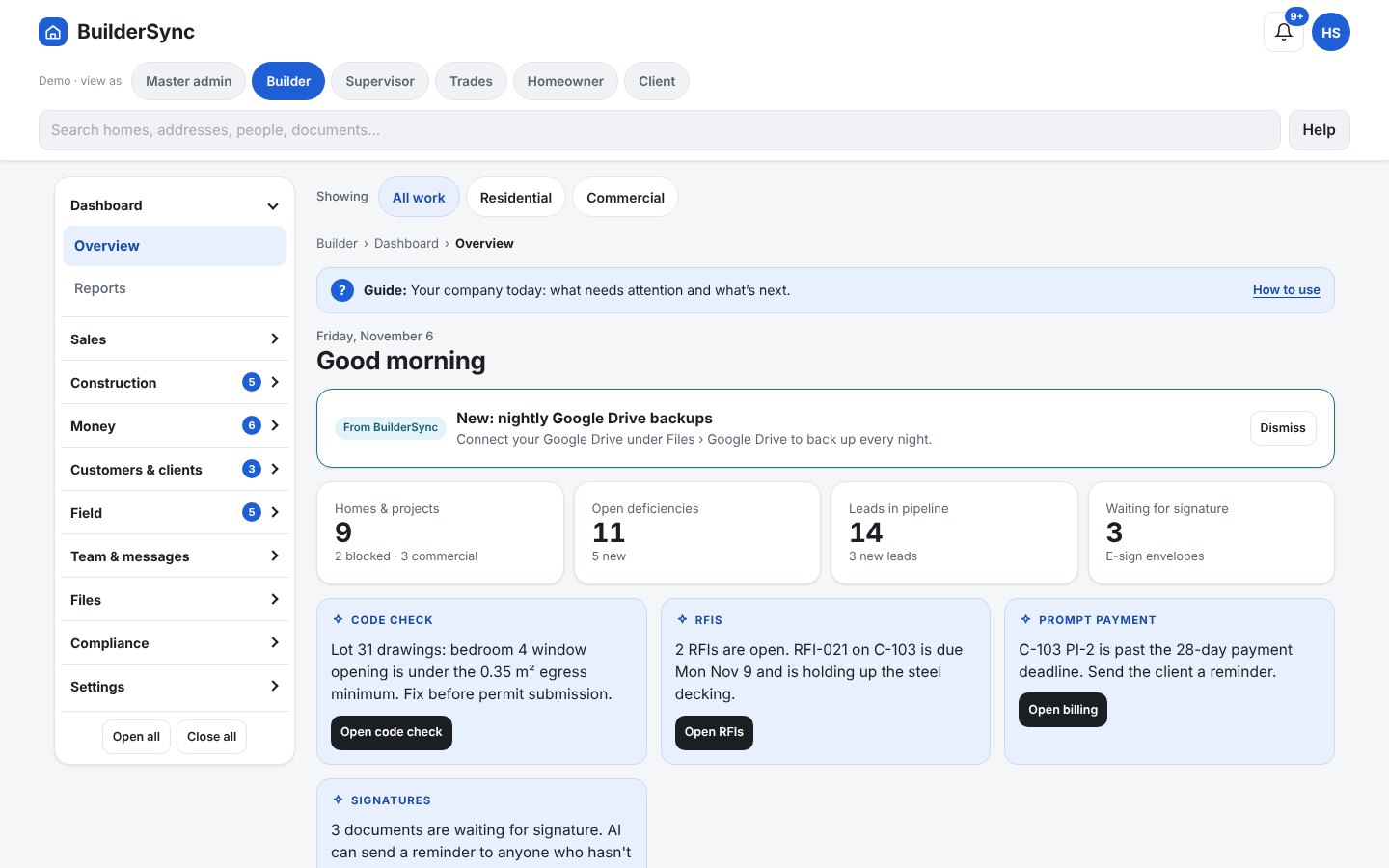
Builder app
Homes and stages, sales, money and commercial jobs. Switch roles at the top to preview the supervisor, trade and homeowner screens that are coming soon.
BuilderSupervisorTradesHomeownerCommercial client
Open the builder app
BuilderSync keeps your homes, stages, sales, selections, money and commercial jobs in one place. Big buttons, plain words, no training course needed.
No credit card. The live demo needs no sign-up. It shows every role, including features that are coming soon to real accounts.
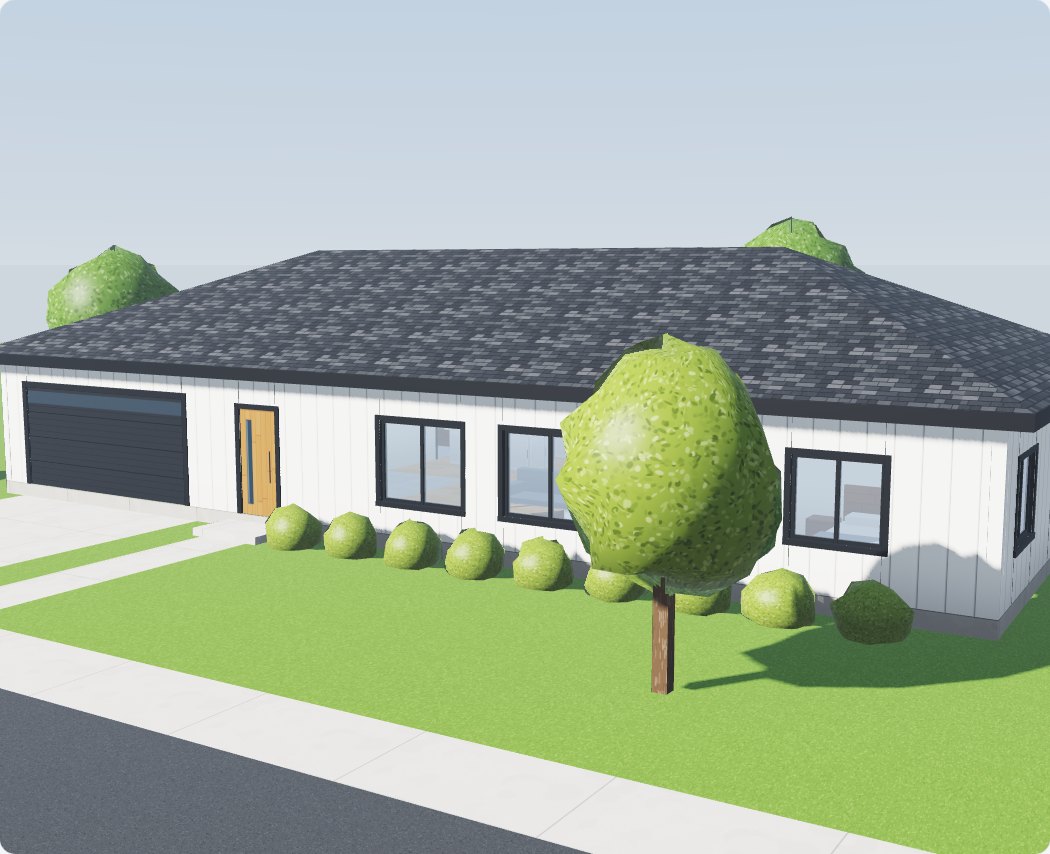 3D Studio · live in the demo
Open it on your computer or phone. Everything in the demo is sample data and resets for every visitor. The demo also shows features that are still coming soon to real accounts.
Homes and stages, sales, money and commercial jobs. Switch roles at the top to preview the supervisor, trade and homeowner screens that are coming soon.
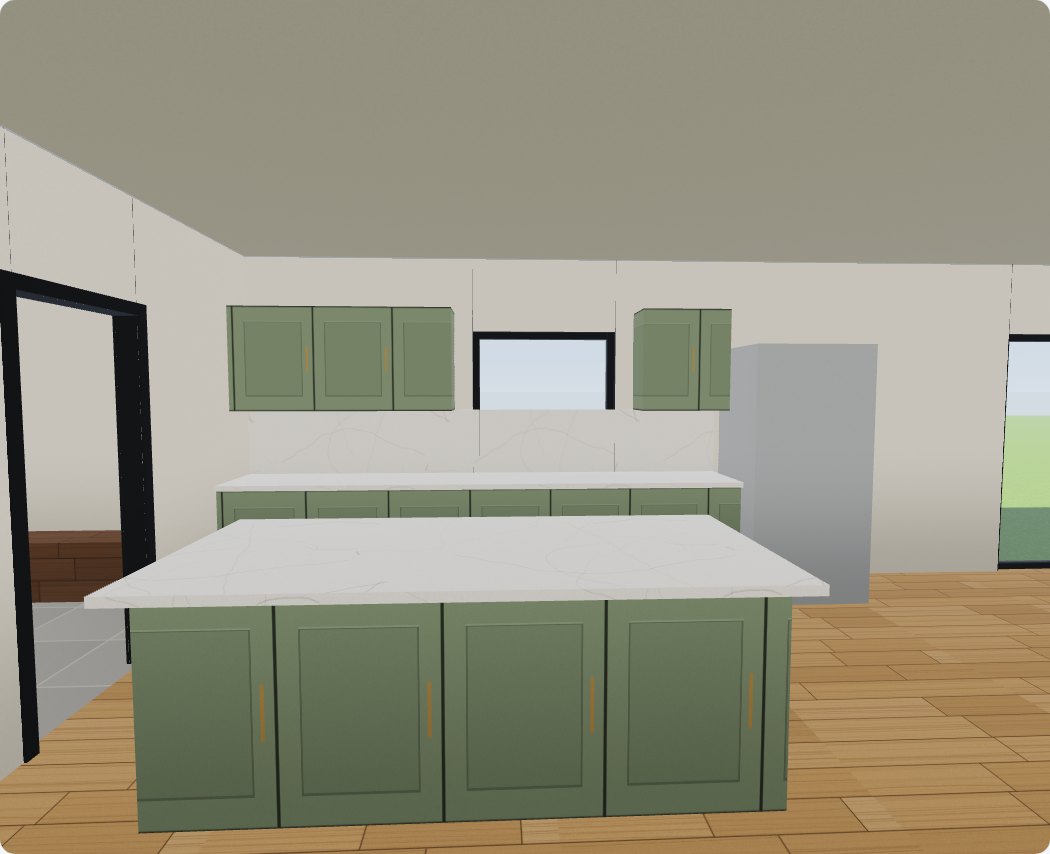
Walk through a sample home in 3D and try finishes live, inside and out. Building a 3D model from your own plans is coming soon.
Open the 3D Studio
Sam, the chat helper, answers questions about BuilderSync instantly, day or night. No calls, no waiting.
What your BuilderSync account does today. Items marked Coming soon are in the demo but not yet in real accounts.

Permit to possession. Tap a stage when it’s done, flag delays, and see every home’s progress at a glance.
Track every customer from first contact to start of construction, and record their finishes from your own materials library.

Record problems with photos, who should fix them and when they’re done. Trade and supervisor logins: coming soon.

Track RFIs and submittals, and work out monthly progress billing with holdback and payment due dates.
Lead, agreement, plan, selections and lender documents, step by step, then start construction in one tap.
Send any PDF from a property folder. The signer reviews and signs on their phone; the signed PDF, with a certificate page, comes back into the same folder.
BuilderSync writes the instructions from a home’s finishes. Paste them into ChatGPT, Gemini or Copilot to get the picture.
Budgets, change orders, deposits and payments, tracked per home. You mark payments received; BuilderSync never moves money.
Add your company name, logo and contact details in Settings › Company profile.
Permits, drawings by type, contracts, selections, change orders, invoices, site photos by stage, inspections and warranty. Stored securely in Canada; you own them.
We built it for busy people on site, not computer experts.
The first screen shows the six things you do most. One tap each.
The blue bar at the top says what the page is for and what to do next.
“Mark complete”, “Send for signature”, “Snap a problem”. No jargon.
Phone, tablet or computer, in your web browser. Nothing to install.

These are in the demo so you can try them, but not yet in real accounts. We’ll email every builder as each one goes live. No dates are promised.
Prices in Canadian dollars, plus GST/HST and provincial sales tax. Every plan starts with 3 months free, no credit card needed. When trade and homeowner logins arrive, they’ll be free on every plan.
Small builders getting organised.
Growing builders with several crews.
Large builders and commercial contractors.
Founding builders: after your 3 free months, the first 10 builders get Pro for $299 a month, locked for 12 months.
Claim a spotToday each company has one owner login. Office-user limits (Starter 3, Pro 10, Business unlimited) start when team logins go live.
Every feature has limits. Read Limitations & disclaimer before you buy.
Click through every role. Nothing to install.
Your access code and a $0 invoice arrive by email in a minute. 3 months free.
Open buildersync.ca/app, enter your access code and pick a password.
Add your logo in Company profile, then add a home. Its stages are created for you.
Questions about pricing or your account? Send a message and you’ll get a copy by email right away. We reply by email, usually within 2 business days.
Check your email: your copy and reference number are on the way. We reply by email, usually within 2 business days.

Start using BuilderSync free for 3 months and keep your homes, schedules, sales and selections in one place.